---
title: "Elvin Widget Custom Trigger API"
url: "https://help.productfruits.com/en/article/elvin-custom-trigger-api"
language: "en"
last_updated: "2026-08-25T10:32:56.285Z"
---
# Elvin Widget Custom Trigger API
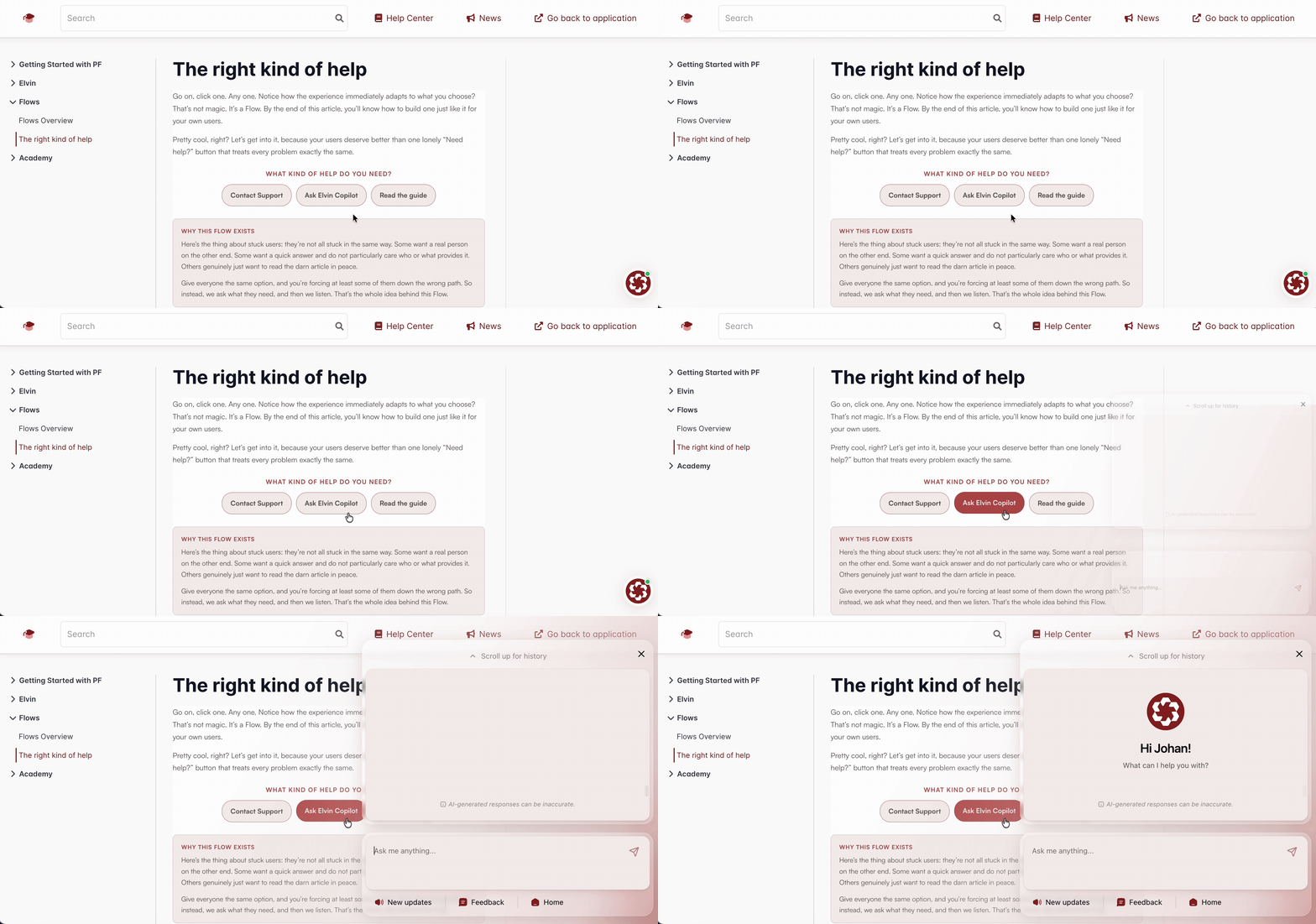
This article describes the available API methods for controlling the Elvin Widget. You can open or close Elvin, open a specific section, focus a particular item, prefill or send messages, and optionally hide the default launcher during initialization.
These options let you trigger Elvin from your own UI elements, such as buttons, links, help icons, or other custom controls, and manage how the widget behaves on the page.
## API commands
Call the commands using `$productFruits.push()`.
## Open, Close, or Toggle Elvin
Use `toggle-elvin-widget` to control whether the Elvin widget is open.
### Open Elvin
```
$productFruits.push([
'do',
'toggle-elvin-widget',
{ state: true }
]);
```
### Close Elvin
```
$productFruits.push([
'do',
'toggle-elvin-widget',
{ state: false }
]);
```
### Toggle the Current State
Omit `state` to switch between open and closed:
```
$productFruits.push([
'do',
'toggle-elvin-widget',
{}
]);
```
## Open a Specific Section
Pass `state: true` together with one of the supported `section` values:
| Section | Value |
| --- | --- |
| Conversation | `conversation` |
| Quick Links | `quick-links` |
| Newsfeed | `newsfeed` |
| Feedback | `feedback` |
| Human Handover | `human-handover` |
### Conversation
```
$productFruits.push([
'do',
'toggle-elvin-widget',
{
state: true,
section: 'conversation'
}
]);
```
### Quick Links
```
$productFruits.push([
'do',
'toggle-elvin-widget',
{
state: true,
section: 'quick-links'
}
]);
```
### Newsfeed
```
$productFruits.push([
'do',
'toggle-elvin-widget',
{
state: true,
section: 'newsfeed'
}
]);
```
### Feedback
```
$productFruits.push([
'do',
'toggle-elvin-widget',
{
state: true,
section: 'feedback'
}
]);
```
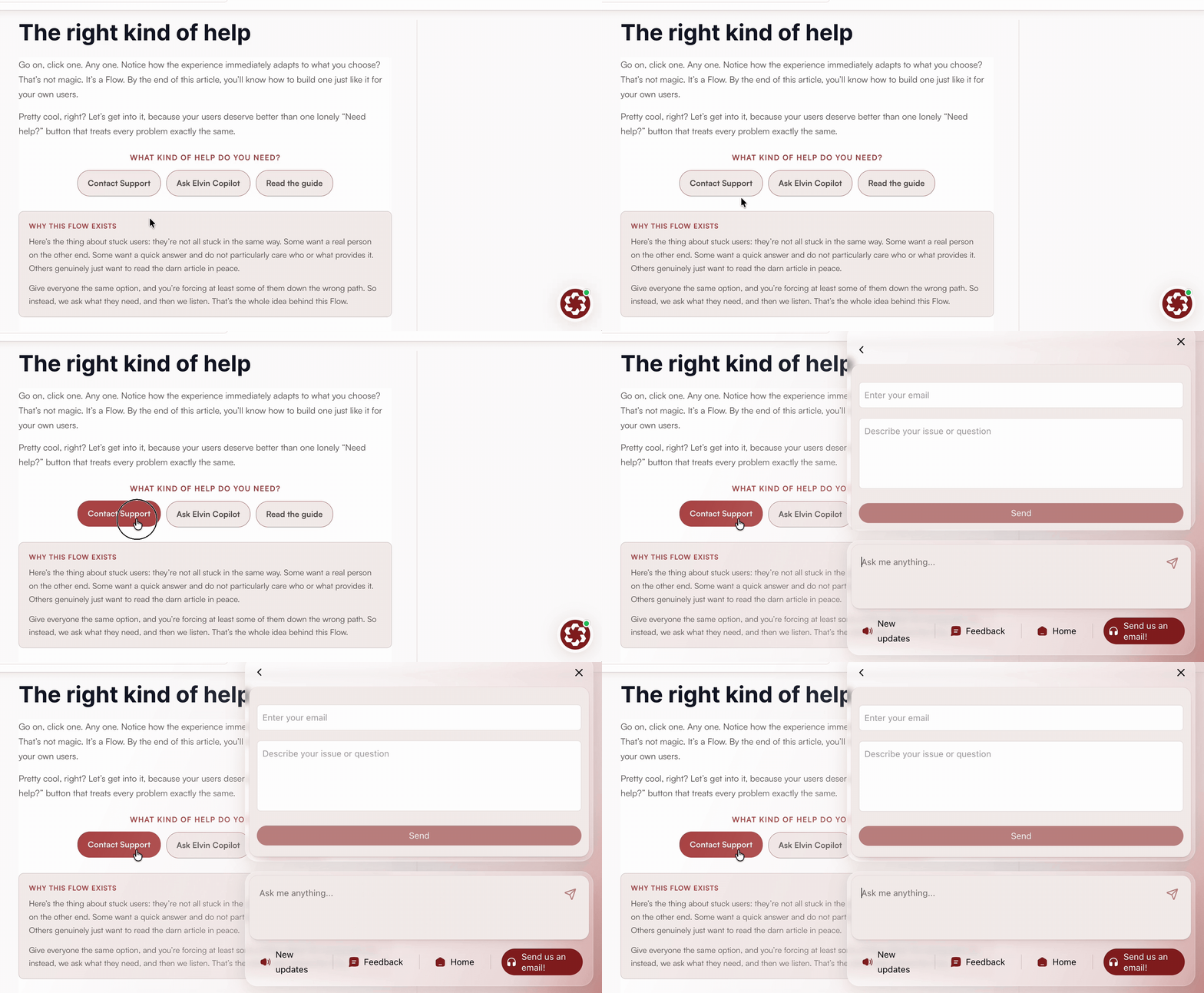
For example, connect this command to a custom **Give feedback** button to take users directly to the Feedback section.
### Human Handover
```
$productFruits.push([
'do',
'toggle-elvin-widget',
{
state: true,
section: 'human-handover'
}
]);
```
## Open a Newsfeed Item
Use `focusId` with the `newsfeed` section to open a particular Newsfeed item:
```
$productFruits.push([
'do',
'toggle-elvin-widget',
{
state: true,
section: 'newsfeed',
focusId: 123
}
]);
```
Replace `123` with the ID of the Newsfeed item you want to open.
## Prefill or Send a Message
Use `send-message-to-elvin` to place a message in the Elvin input or send it immediately.
| Parameter | Type | Description |
| --- | --- | --- |
| `message` | string | The message to prefill or send. |
| `sendImmediately` | boolean | Set to
`false`
to prefill the input or
`true`
to send the message immediately. |
| `startNewTopic` | boolean | Set to
`true`
to start a fresh conversation instead of continuing the current one. |
### Prefill a Message
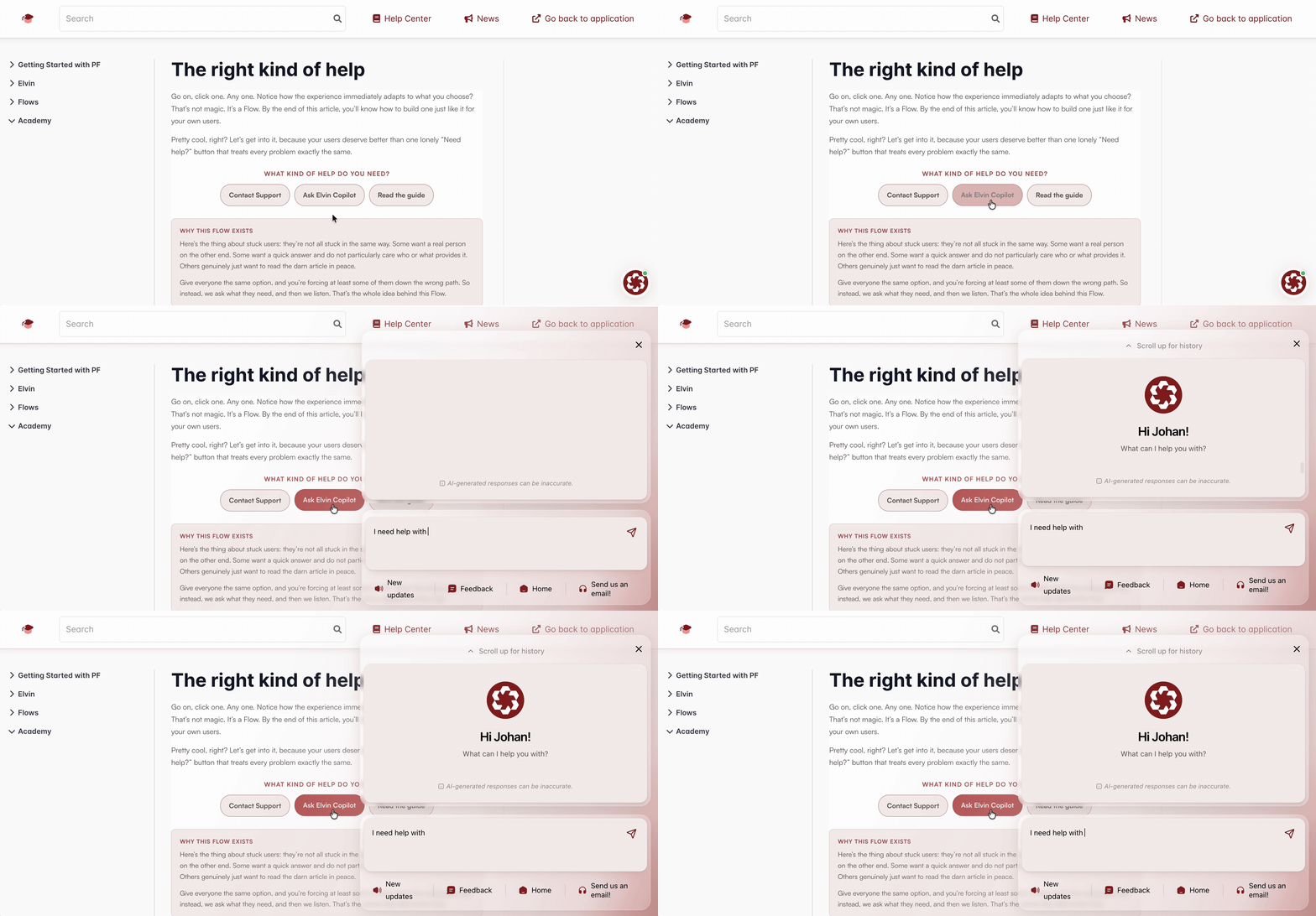
Set `sendImmediately` to `false` to place text in the input without sending it:
```
$productFruits.push([
'do',
'send-message-to-elvin',
{
message: 'How do I export data?',
sendImmediately: false
}
]);
```
The user can review or edit the text before sending it.
### Send a Message Immediately
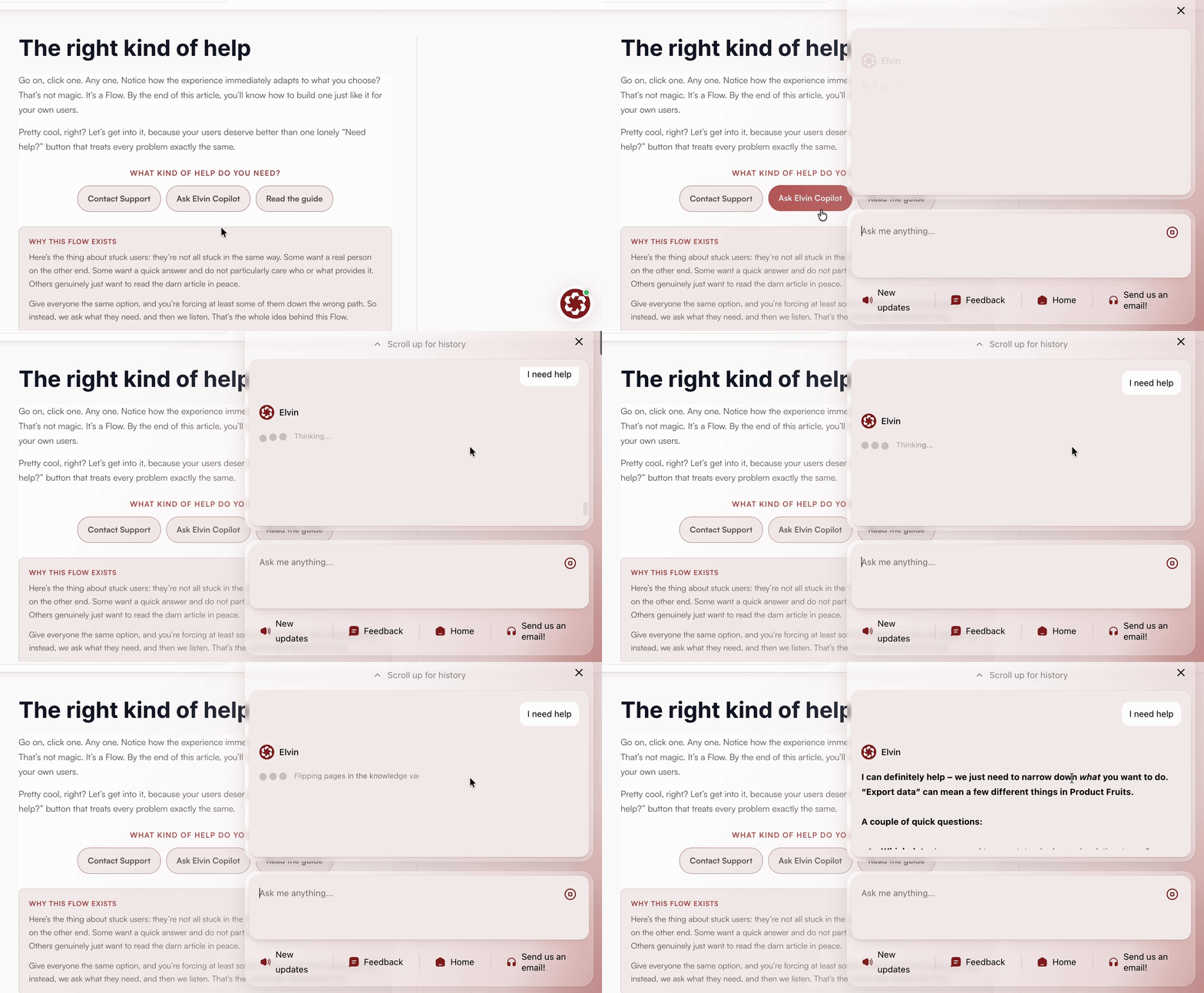
Set `sendImmediately` to `true` to send the message without another user action:
```
$productFruits.push([
'do',
'send-message-to-elvin',
{
message: 'How do I export data?',
sendImmediately: true
}
]);
```
### Start a Fresh Conversation and Send a Message
Add `startNewTopic: true` when the message should begin a new conversation:
```
$productFruits.push([
'do',
'send-message-to-elvin',
{
message: 'New question',
sendImmediately: true,
startNewTopic: true
}
]);
```
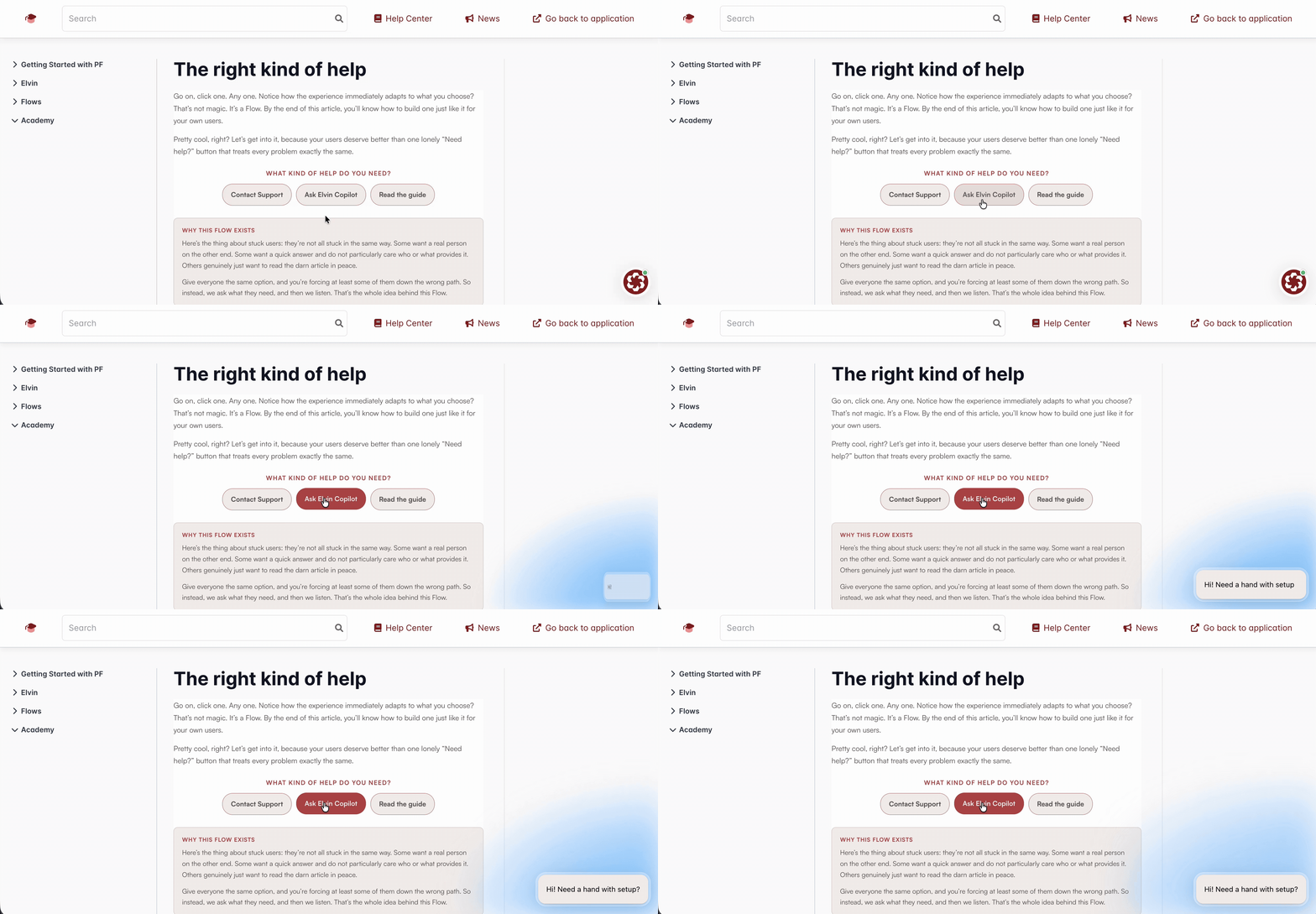
## Show a Proactive Notification
Use `notify` to display a proactive notification near the Elvin launcher:
```
$productFruits.push([
'do',
'notify',
{
message: 'Hi! Need a hand with setup?'
}
]);
```
Replace `title` and `message` with the text you want users to see.
## Hide the Default Elvin Launcher
If users should open Elvin only through your custom controls, set the `hideElvinLauncher` Product Fruits initialization option to `true`.
`hideElvinLauncher` is an initialization option. It is not a parameter of `toggle-elvin-widget`.
Proactive notifications continue to work when the default launcher is hidden.
See [Custom Initialization Options](https://help.productfruits.com/en/article/custom-initialization-options) for configuration details.