
Outcomes
Location: Copilot Elvin → Learn → Outcomes
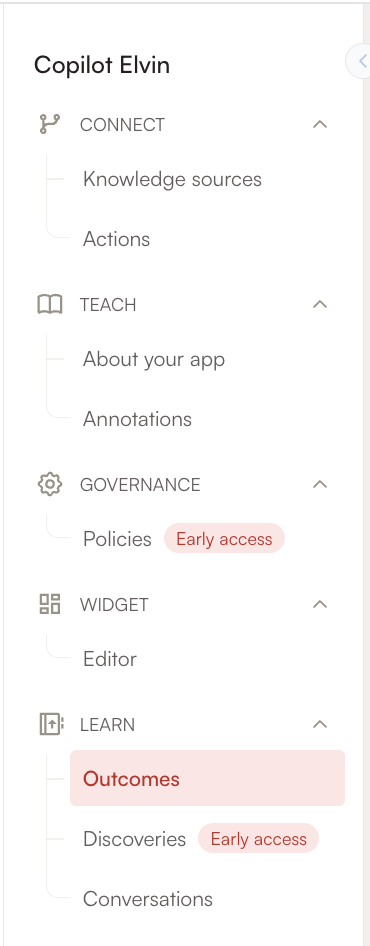
The Outcomes section transforms your conversation data into actionable insights through natural language queries. This feature allows administrators to gain strategic understanding of user interactions without manually reviewing individual conversations.
How Outcomes Work
Query-Based Analysis Instead of manually sifting through conversation data, you can ask Elvin questions about your conversation analytics using natural language. The system analyzes all past conversations between end-users and both Elvin Copilot and the legacy Copilot to provide comprehensive insights.
Example Questions You Can Ask:
- "What are the top 5 most discussed topics with Elvin?"
- "What are the top 3 actions you would recommend based on past user chats?"
- "Which products are mentioned most frequently in conversations?"
- "What are the main pain points users are experiencing?"
- "How has user satisfaction changed over the past month?"
Report Generation Process
Outcome Creation When you submit a question, Elvin generates a human-readable report called an "Outcome." These reports are formatted in clear text and typically generate within 20 seconds, making it easy to get quick insights into your conversation data.
Data Sources All reports are based on comprehensive analysis of end-user conversations with both Elvin Copilot and the legacy Copilot, ensuring you get a complete picture of user interactions across your AI assistant ecosystem.
Report Management Features
Historical Access The Outcomes section maintains a complete history of your past queries and generated reports. You can easily return to previous analytical outputs without needing to regenerate them, making it simple to track insights over time or reference earlier findings.
Organization Tools
- View all past Outcome reports chronologically
- Access the original questions that generated each report
- Delete outdated or unnecessary reports to keep your workspace organized
Getting Started with Elvin Analytics
Step-by-Step Approach
- Begin with Conversations: Start by exploring the Conversations section to familiarize yourself with individual user interactions and overall conversation patterns.
- Apply Filters Strategically: Use the filtering tools to identify specific areas of interest, such as conversations with negative feedback or unresolved status.
- Monitor Key Metrics: Regularly track your resolution rates, user satisfaction trends, and conversation volumes to establish baseline performance.
- Report Quality Issues: When you encounter hallucinations or inaccurate responses, use the reporting feature to help improve Elvin's accuracy.
- Experiment with Outcomes: Once you have sufficient conversation data, test the Outcomes feature to gain broader strategic insights.
Recommended Workflow
Daily Monitoring
- Check recent conversation metrics for any unusual patterns
- Review conversations with downvotes or escalations
- Monitor resolution rates and user satisfaction trends
Weekly Analysis
- Use Outcomes to identify recurring topics or issues
- Analyze conversation patterns over longer time periods
- Review and address any reported hallucinations
Monthly Strategic Review
- Generate comprehensive Outcomes reports on user needs and satisfaction
- Compare performance across different time periods
- Plan improvements based on identified patterns and user feedback
Best Practices for Effective Analytics
Conversation Analysis
- Regular Review Schedule: Establish a consistent routine for reviewing conversation data to catch issues early
- Focus on Problem Areas: Prioritize conversations with downvotes, escalations, or unresolved status
- Source Verification: When reviewing responses, always check the sources Elvin used to understand the reasoning behind answers
- Pattern Recognition: Look for recurring themes in both successful and unsuccessful interactions
Quality Improvement
- Documentation: Keep records of common hallucination patterns to address root causes systematically
- Source Management: Use conversation insights to identify gaps in your knowledge base and improve source materials
- Feedback Integration: Regularly incorporate user feedback and conversation learnings into your AI assistant's training
Strategic Decision Making
- Data-Driven Improvements: Use both granular conversation data and high-level Outcomes insights to guide enhancement priorities
- User-Centric Focus: Let conversation patterns and user feedback drive decisions about feature updates and content improvements
- Continuous Monitoring: Establish metrics benchmarks and track improvement over time using both analytics sections
This comprehensive approach to Elvin Analytics ensures you have both detailed conversation-level insights and strategic understanding of your AI assistant's performance, enabling continuous improvement and optimal user experience.
 Need more help? Book an Elvin Demo with our team of AI experts.