Usage
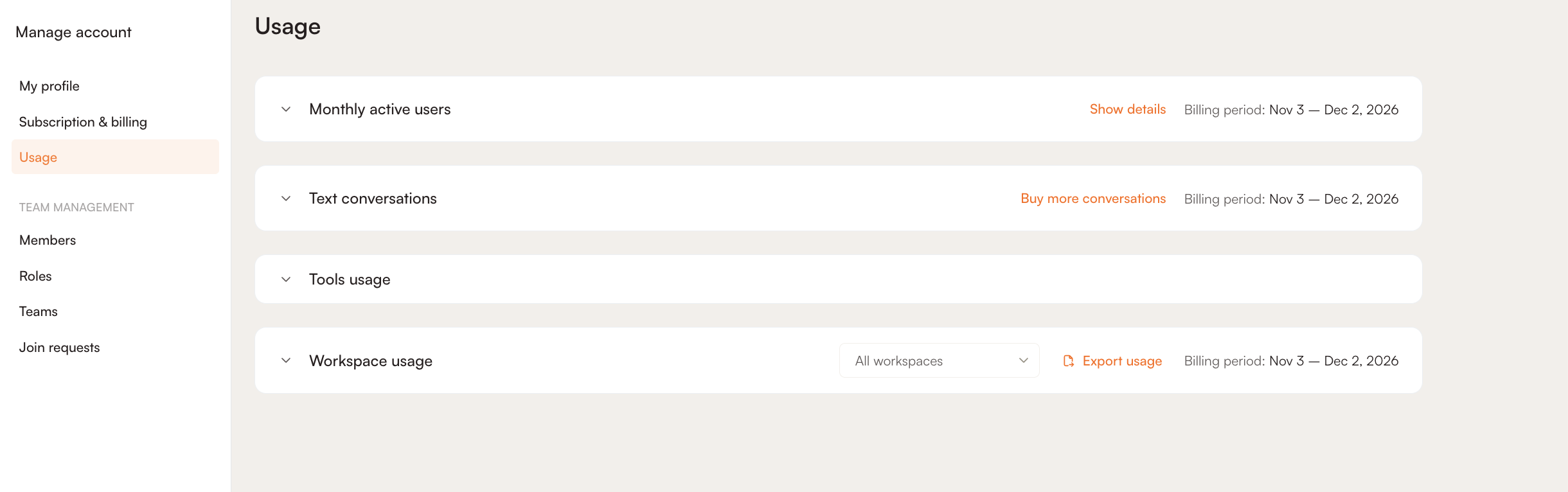
The Usage page shows how much of your plan your account has used in the current billing period. It covers monthly active users (MAUs), Elvin text conversations, tool limits and usage per workspace. The figures update in real time, so you don’t need to refresh the page.
Only Owners and Managers can access the Usage page.
To open it, click your Profile icon → Subscription & billing → Usage.
The page has four sections. Click a section to expand it.
Monthly Active Users
This section shows how many MAUs your account has used in the current billing period against your plan’s quota, for example 1 / 1,500. The billing period is shown in the top-right corner of the section.
The MAU quota is shared across all workspaces in your account. Users are counted separately in each workspace. If the same user is tracked in two workspaces, they count as two MAUs.
Note: If your account goes over its MAU quota, users above the quota won’t see Elvin Copilot. Anything else you have set up in the Elvin widget will still show. For more information, see Elvin Widget Editor. To increase your MAU quota, contact our sales team.
To learn how MAUs are counted and billed, see Product Fruits Billing.
MAU Details
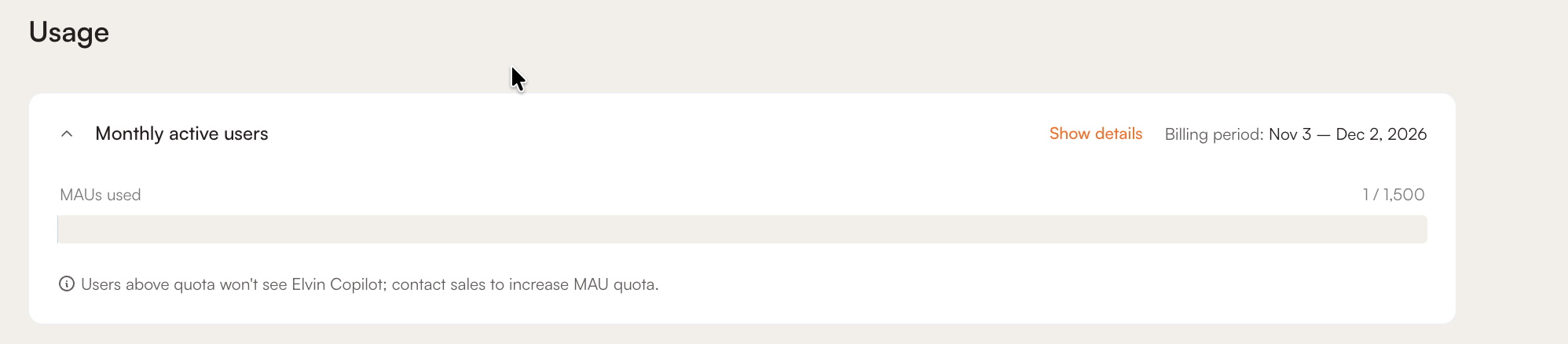
Click Show details to see your MAUs over the last 12 billing periods.
- Show workspaces: turn on the toggle to split the chart by workspace, with one line per workspace.
- Billing change: a dashed vertical line marks the billing period in which your plan changed.
- Export Excel: downloads the MAU data as an .xlsx file.
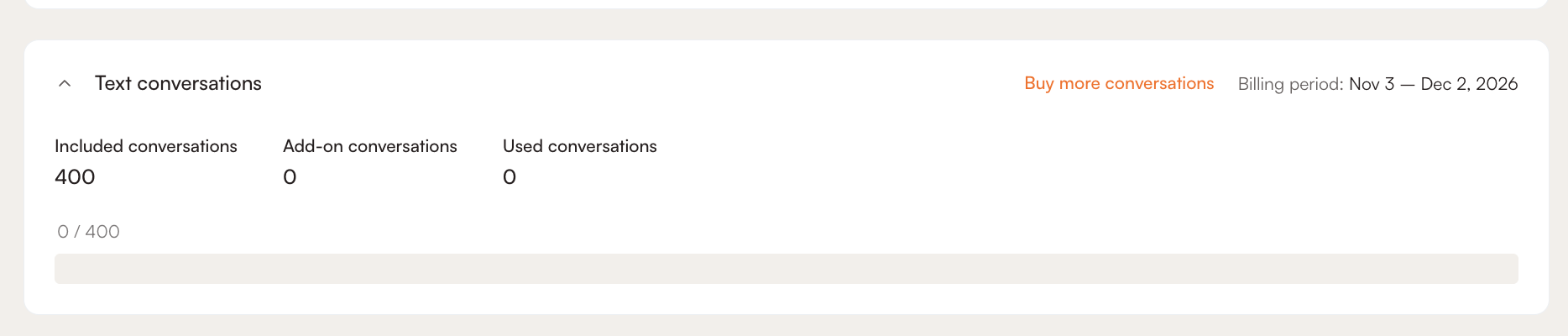
Text Conversations
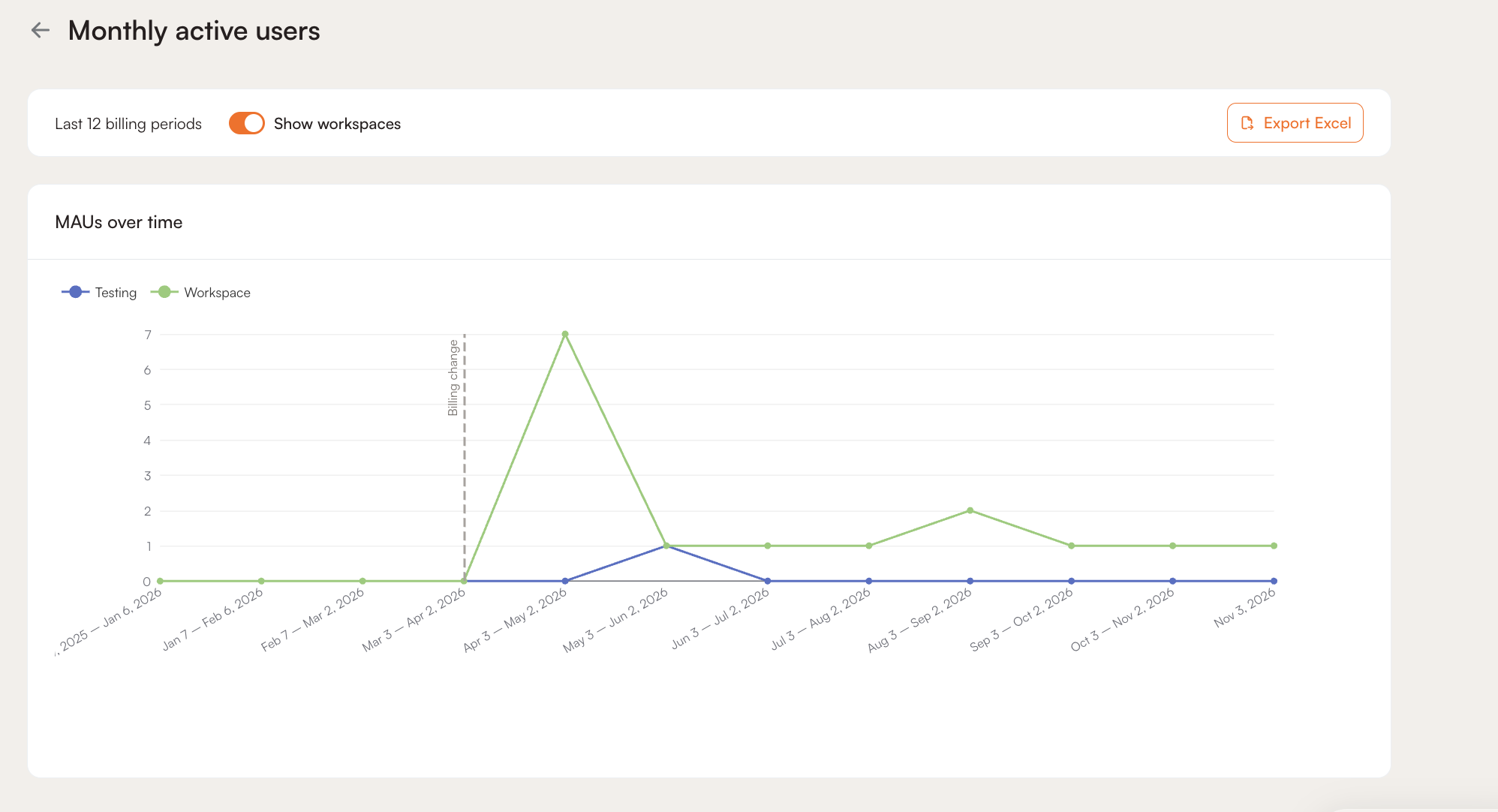
This section shows your Elvin text conversations for the current billing period:
- Included conversations: the number of conversations included in your plan
- Add-on conversations: the number of extra conversations you have purchased
- Used conversations: the number of conversations used so far
The following count as conversations:
- Conversations your users have with Elvin Copilot
- Conversations you have with Elvin Copilot while testing it in the Elvin Widget Editor
- Discovery passes, where one pass equals one conversation. For more information, see Discoveries.
To add more conversations, click Buy more conversations.
Tools Usage
This section lists each tool and limit in your plan, with your current usage against the limit, for example 3 / 40. Tools with no limit on your plan show unlimited.
The counts cover your whole account, across all workspaces. For content tools such as Flows, Tours, Hints and Checklists, only published content is counted.
The section includes:
- Content: Flows, Tours, Hints, Checklists, Pop-ups, Banners, Newsfeed, Surveys and Discoveries
- Targeting and tracking: Segments and Custom events
- Elvin: Sources, Chat labels, Policies and Outcomes
- Localization: Languages and Translations
- Account: Workspaces and Seats
To compare the limits on each plan, see our pricing page.
Workspace Usage
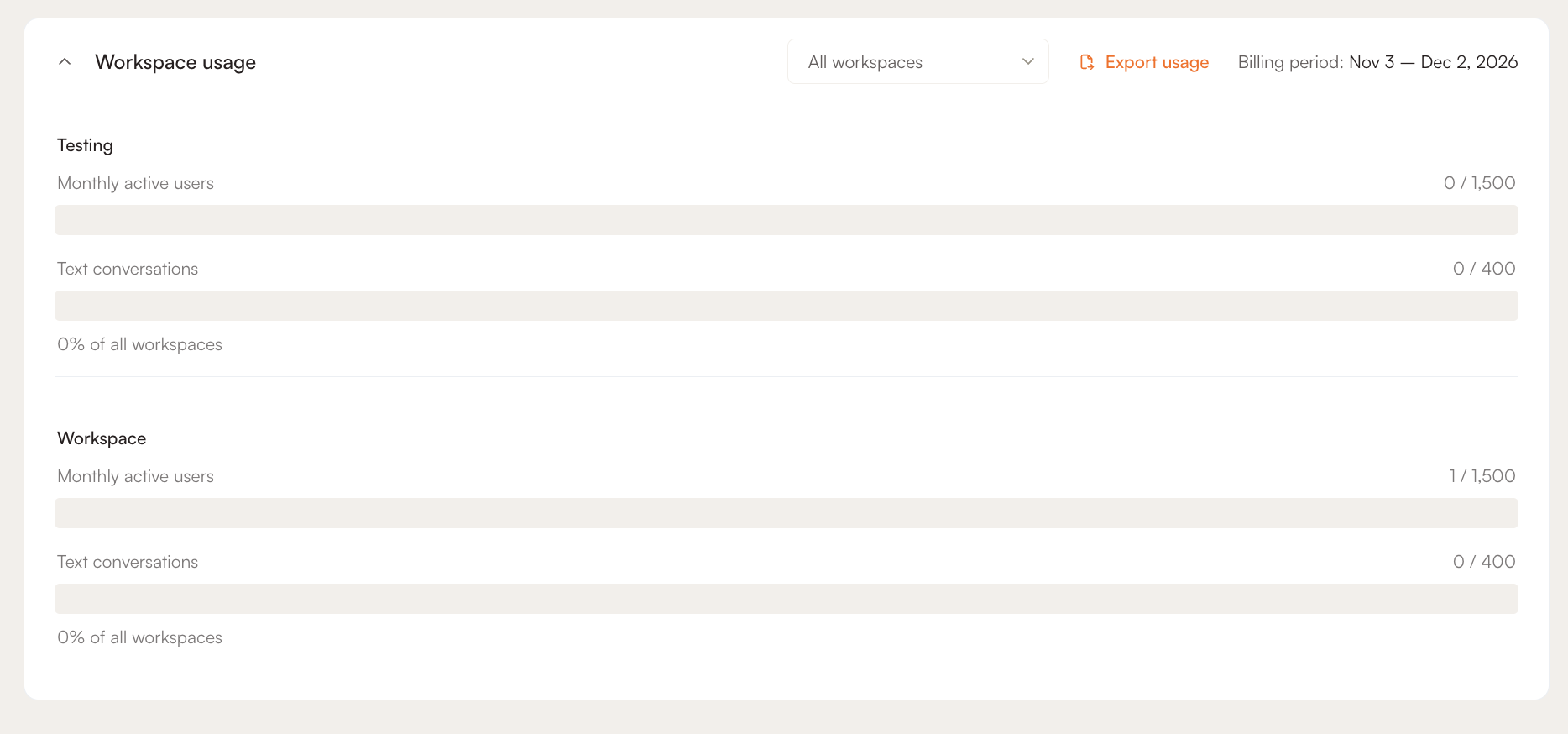
This section breaks down MAUs and text conversations for each workspace in your account.
By default, all workspaces are shown. To see a single workspace, select it from the All workspaces dropdown.
To download the workspace usage as a CSV file, click Export usage.